About Aegis
Aegis is a local-first AI workspace: a desktop app that keeps your data on your machine, with an optional account for the parts that need to live in the cloud.
Why it exists
Most AI assistants ask you to trust a server you can't see with your inbox, your codebase, and your documents. Aegis takes the opposite bet: run the model, the memory, and the tool-calling loop on your own machine, and only reach outward when you explicitly connect something. You get an agent that can plan and execute multi-step work across the tools you already use, without handing your data to a third party to get there.
How to use Aegis
Three steps, all of it running on your own machine.
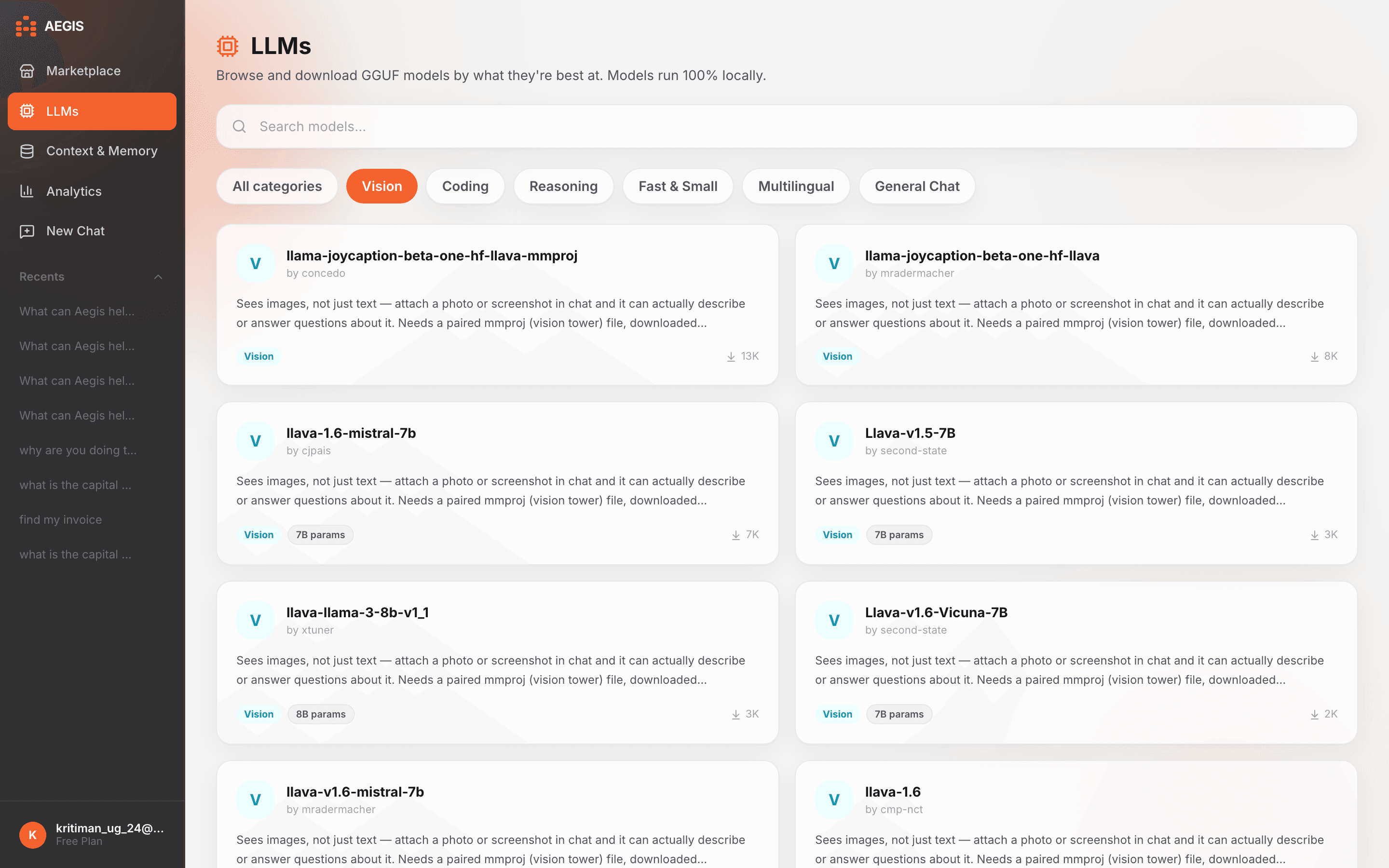
Download a model
Open the LLM panel and pick a category — Coding, Reasoning, Vision, or a handful of others — or search for something specific. Every model is a plain GGUF file that downloads once and runs entirely on your machine. Pick a Vision model and Aegis automatically fetches its paired vision-tower file too, so it's ready to actually look at images the moment it's downloaded.
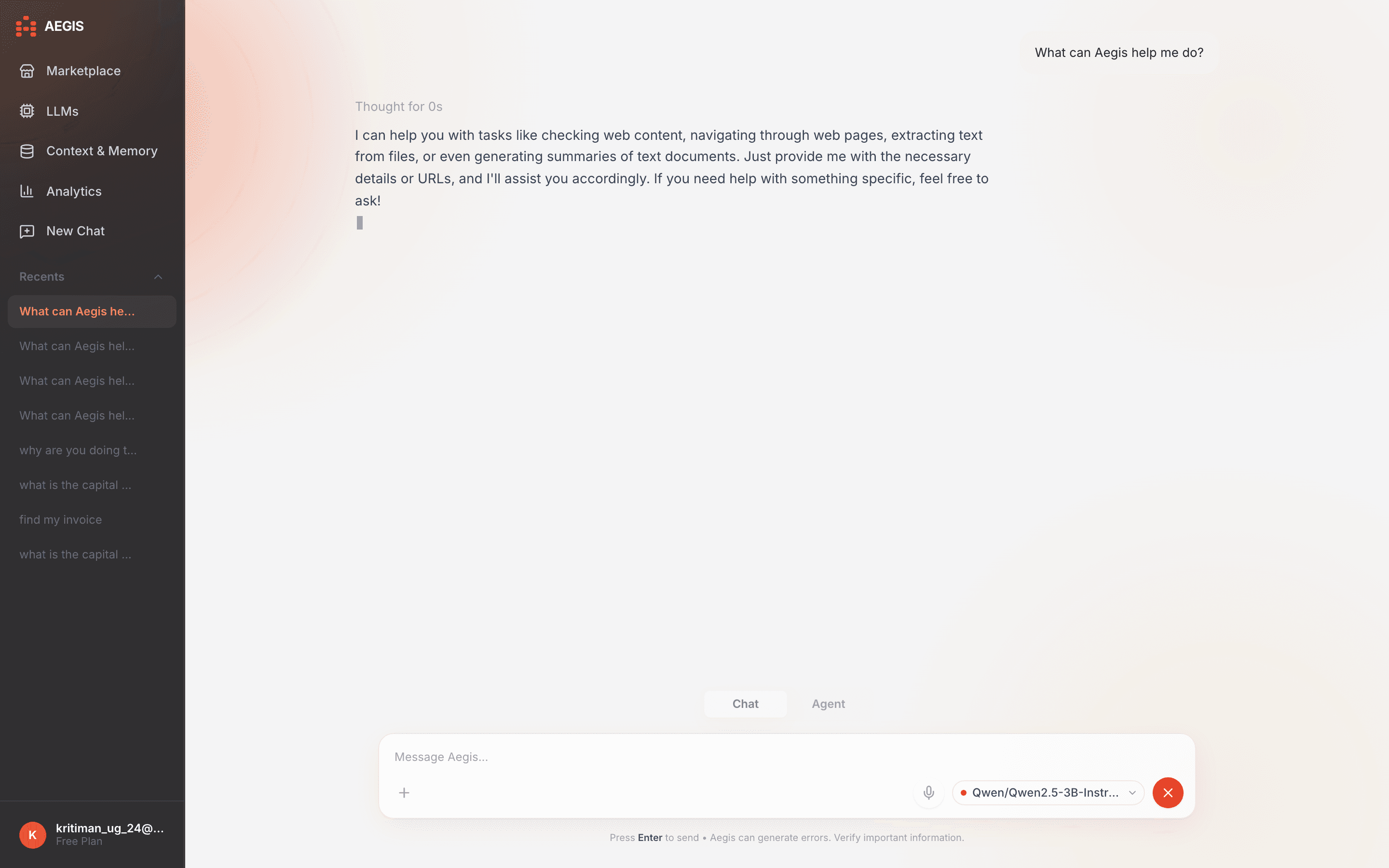
Chat, or let it plan and execute
Ask questions and get answers in Chat Mode — attach a document or a photo and it's read into the conversation automatically. Switch to Agent Mode when you need Aegis to plan a multi-step task and execute it across your connected tools, reviewing the plan before anything runs.
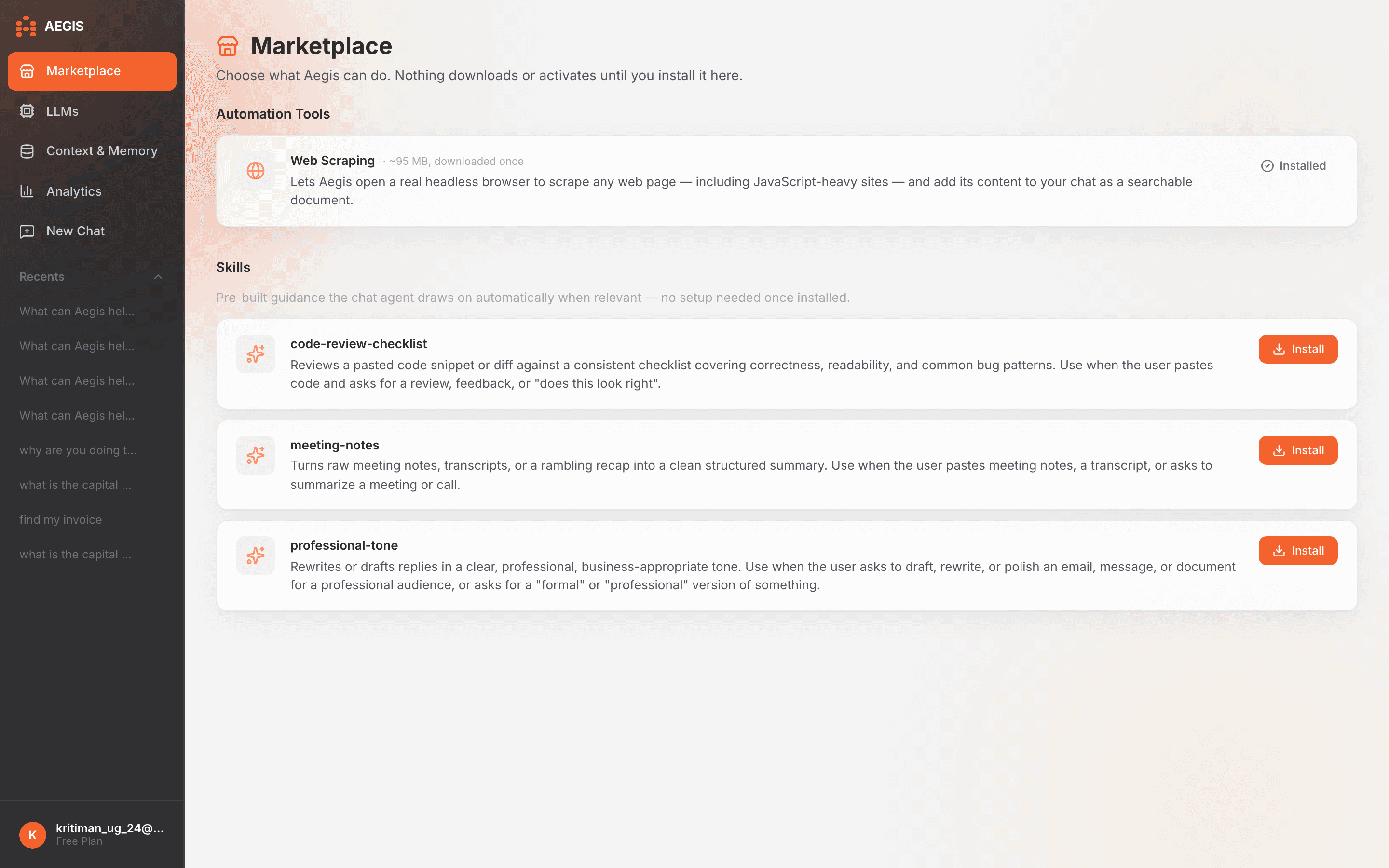
Extend it from the Marketplace
Install automation tools and pre-built skills the chat agent draws on automatically. Nothing downloads or activates until you install it here — browse what's available and add only what you need.